DLDS-1190 Robotics System Integration Platform

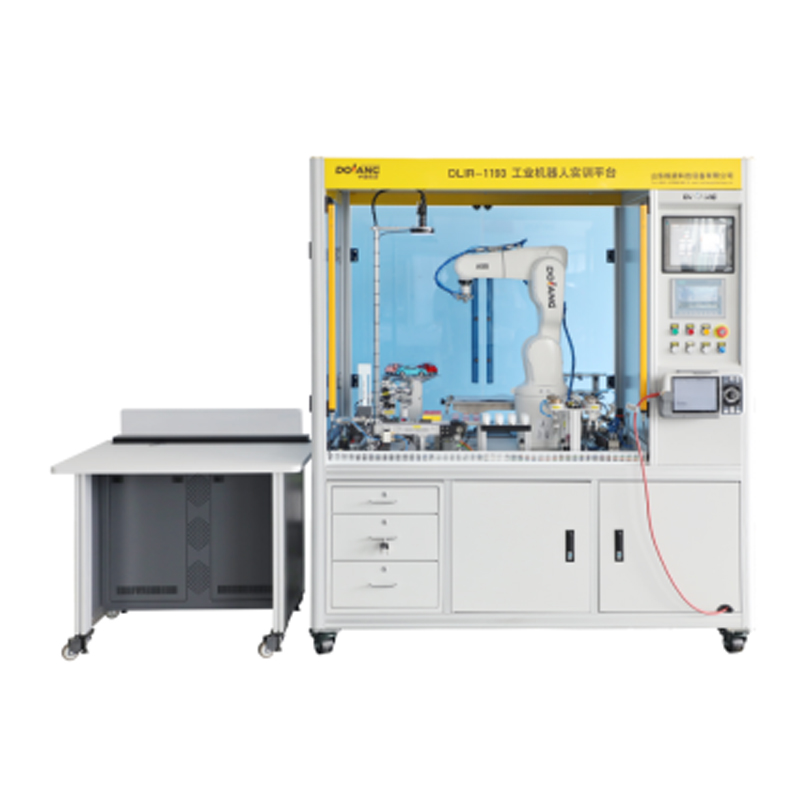
- Dolang
- China
- 30-60 days
DLDS-1190 Robotics System Integration Platform integrates robot operation, programming, vision detection and intelligent control. It supports modular assembly, real-time debugging and multi-scenario simulation training. Stable, user-friendly and highly expandable, it is ideal for vocational education, engineering labs and automation training to improve practical skills efficiently.
Equipment Overview
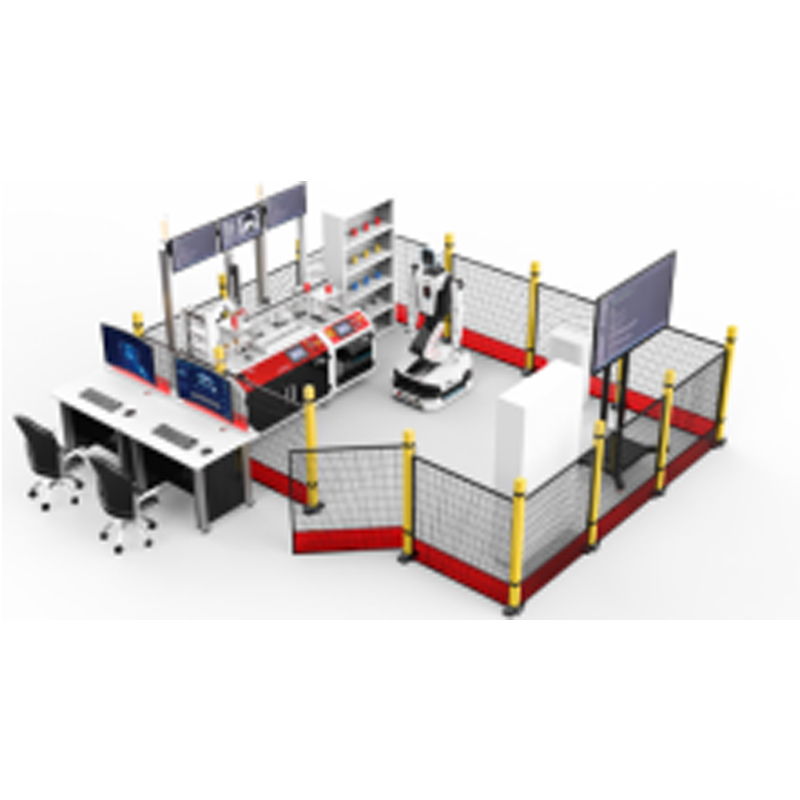
DLDS-1190 Robotics System Integration Platform is primarily composed of a KUKA KR7 R700 six-axis industrial robot and a SIEMENS S7-1200 PLC. It is integrated with an industrial smart camera vision system (2D), a basic operation assessment module, an automated machining task unit, a machining welding task unit, and a digital keyboard assembly task unit. This platform enables students to master the operation, debugging, and vision application of industrial robots, as well as PLC principles, PLC programming, sensor technology, and network communication technologies. It supports training and assessment in skills closely related to industrial applications, such as industrial robot tool coordinate calibration, planar and curved surface trajectory programming and operation, assembly, handling, palletizing, grinding, simulated machining, simulated welding, industrial vision sorting, and industrial vision inspection. It can also be used for skills assessment in robot offline programming and simulation.
Technical Parameters
Power Supply: AC 220V 50Hz
Overall Dimensions (L×W×H): Approximately 2800mm × 2200mm × 1700mm
Total Power: Approximately 3.0 kW
Air Supply Pressure: 0.4 - 0.6 MPa
Ambient Temperature: 0°C - 45°C
Relative Humidity: < 90% (non-condensing)
Training Content
1) Installation of Industrial Robot
2) Installation of Industrial Robot Teach Pendant
3) Installation of Industrial Robot End-of-Arm Tooling
4) Setting Industrial Robot Parameters
5) Training on Industrial Robot Operating Modes and Manual Speed
6) Viewing Common Industrial Robot Information
7) Introduction to Industrial Robot Programming Instructions
8) Backup and Restore of Industrial Robot Programs
9) Initial Power-On and I/O Configuration of Industrial Robot
10) Training on Industrial Robot Coordinate System Calibration
11) Setting the Industrial Robot's Safe Working Area
12) Industrial Robot Fault Diagnosis and Maintenance
13) Training on Reading and Interpreting Electrical Drawings
14) Pneumatic Circuit Connection and Electrical Wiring
15) Application of Detection Switches
16) Application of Various Sensors
17) Application of Pneumatic Components
18) Installation and Application of PLC
19) Installation and Application of Touch Screen (HMI)
20) Communication between Robot and PLC
21) Communication between Touch Screen (HMI) and PLC
22) Training on Communication between Industrial Robot and Vision System
23) Application of Industrial Robot Quick Tool Changer
24) Industrial Robot Planar Trajectory Work Tasks
25) Industrial Robot Spatial Trajectory Work Tasks
26) Industrial Robot Curved Surface Trajectory Work Tasks
27) Industrial Robot Handling and Palletizing Work Tasks for Square and Round Blocks
28) Industrial Robot Handling and Palletizing Work Tasks for Irregular Tools (Tangram)
29) Industrial Robot Automated Machining Work Tasks
30) Industrial Robot Machining Welding Work Tasks
31) Industrial Robot Digital Keyboard Assembly Work Tasks
32) Training on Robot Disassembly and Assembly using Robot Simulation Software